I recently got a little Lenovo ThinkCentre PC that needed to be put to work, and I had the perfect role for it. The following will outline how I set up my own SIEM system at home, and how I got it to detect an SSH login brute force attack.
I took my tiny new personal computer and installed ProxMox on it. This was my first time using ProxMox and I was really impressed with how easy it makes installing and managing a virtual environment. I hope to do a lot more with ProxMox in the future.
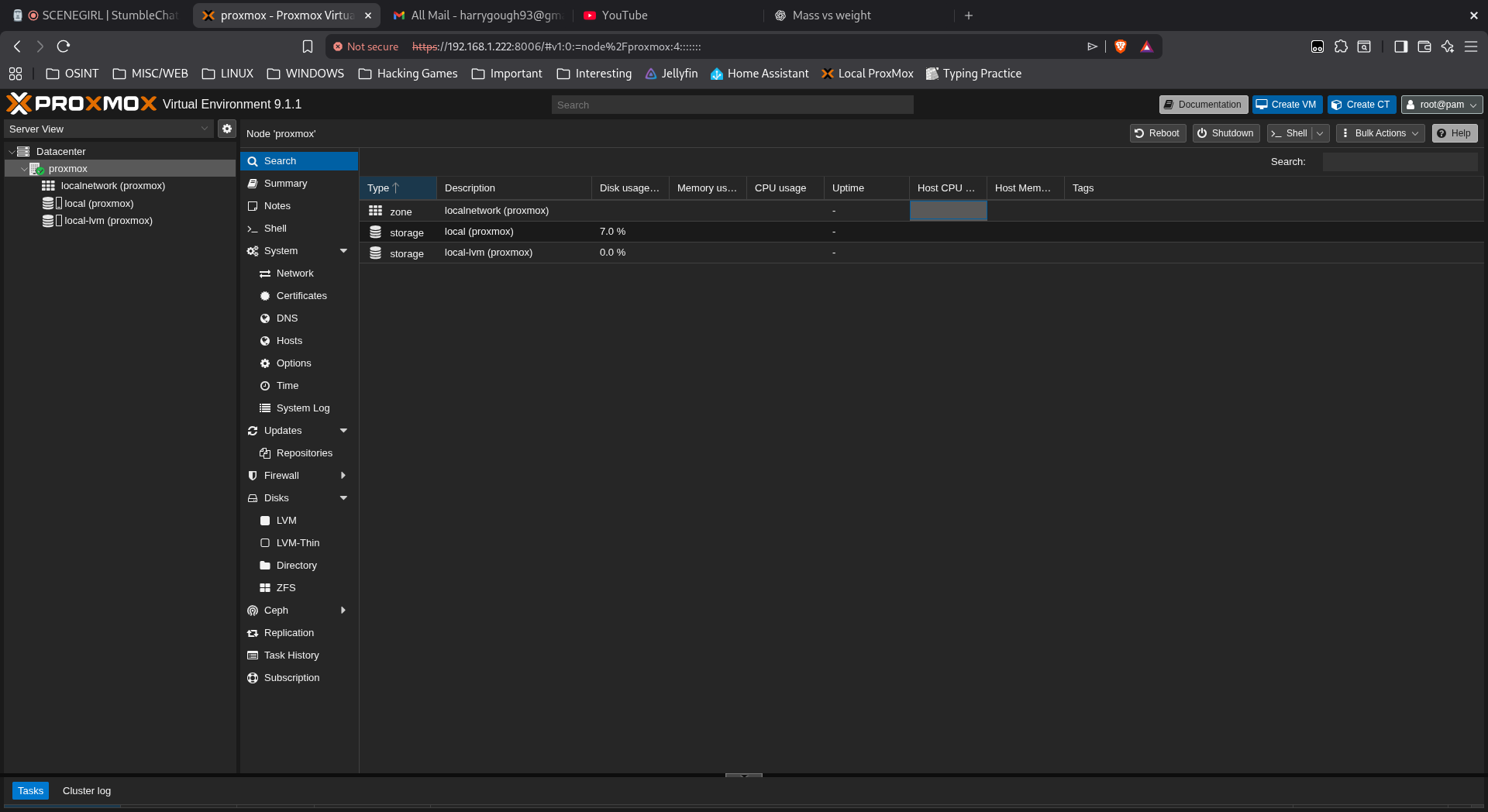
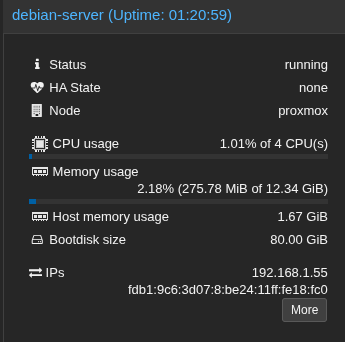
I got to work and set up a very basic debian install with no desktop environment to run the SIEM on.
Next was to install an Elasticsearch+Kibana stack. Elasticsearch is what is used to store, search, and analyse the logs we will be collecting. Kibana is the front end that will let us interact with the data and do things like set up alerts or visualise the data. Getting these programs into a working state is not simple and took much longer than it should. In fact I did it twice and still encountered issues the second time which involved a lot of starting each service, checking the journald logs for the latest error, fixing it and then repeating those steps until everything worked.
Thankfully it finally did begin to work.

Now that the server was running I needed to send it some logs to store, and this is done with some sort of agent installed on each host that you want record of. I used an agent called FileBeat and installed it on 2 different hosts, changed the configuration files, and restarted the services until logs finally started to come through.
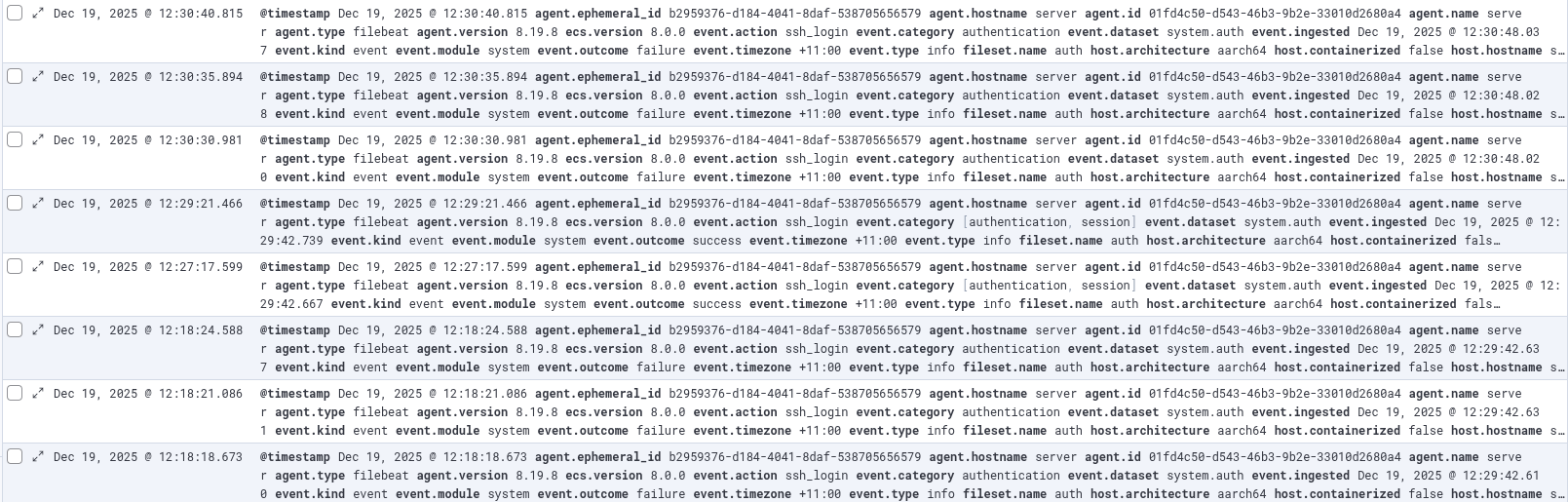
Now that logs were being successfully collected I needed to start making sense of them and setting up an alert for something that should absolutely not be happening on my local network was a good first step in my opinion. I made a rule which checked to see if there was a record of 5 or more failed login attempts on the server that this web page is being hosted from.
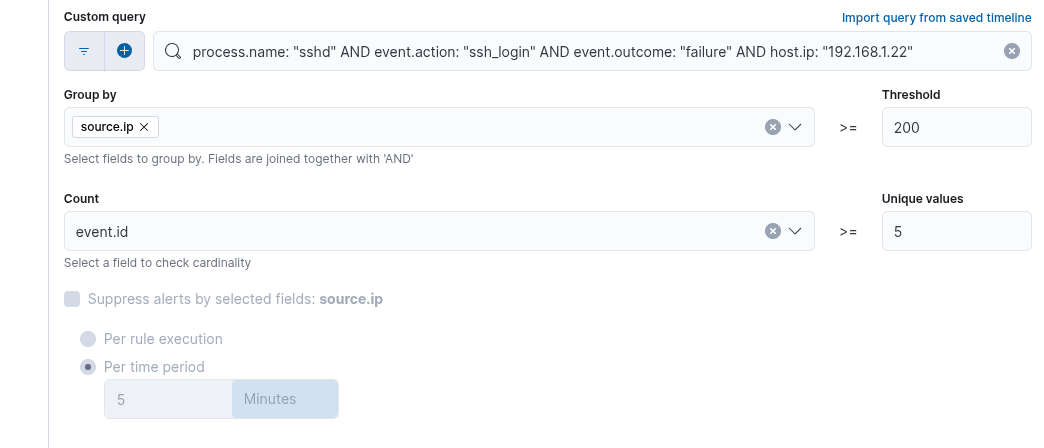
Once my rule was set up and my alert in place I quickly got to work emulating a brute force SSH login attack on this server.
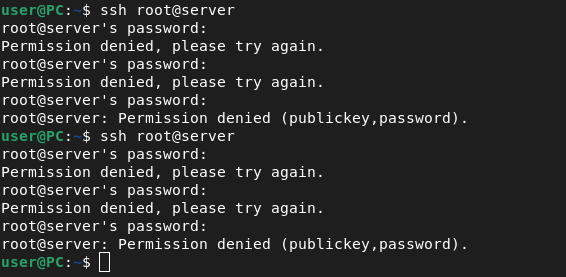
It was a success. I got the alert letting me know that someone on my local network was attempting to log in to my server. This alert helps me to ensure this information is available to you, and that it's the correct information that is intended.
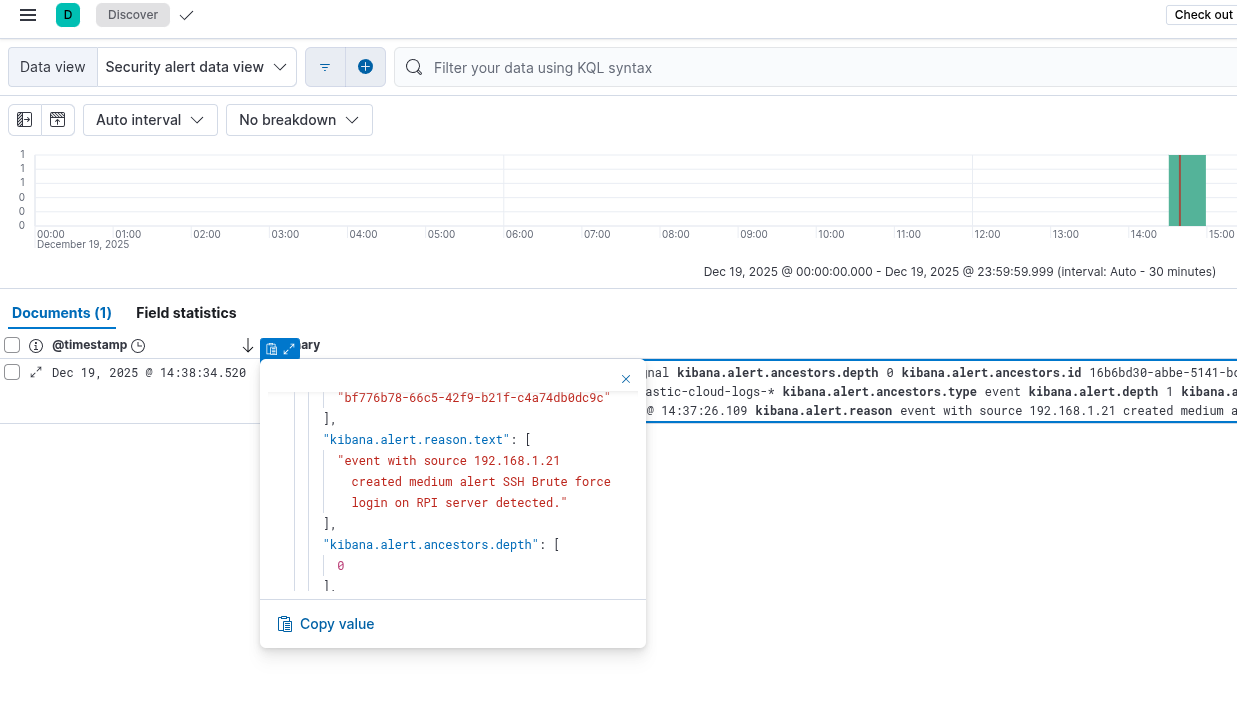
This was a fun process, and I learned a lot of important things (systemd logs are not great for this sort of thing).
I really enjoyed the process of getting things working, one error message at a time. It made the feeling of finally getting everything working properly that much better.
Thanks for reading this post and enjoy the rest of your day.
You can check out a list of all the blog posts by clicking here
You can get back to the homepage by clicking here