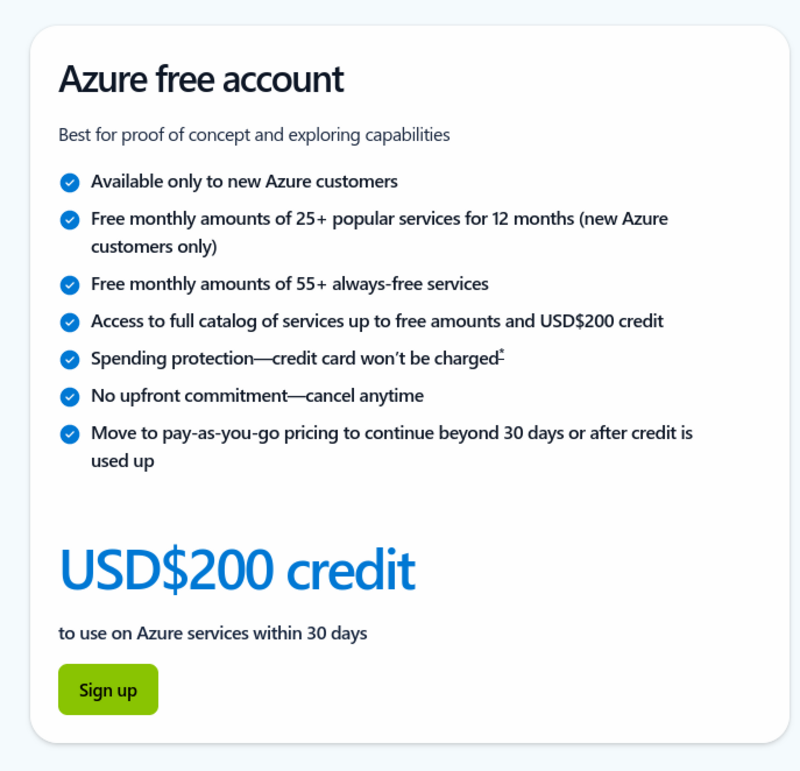
Having recently learned that Microsoft Azure gives a $200 USD credit for new signups, I thought I'd try something. If you haven't heard of Azure it's the same thing as AWS, except it's Microsoft and not Amazon. I thought I'd try and set up a VM with an RDP port open (password protected ofc) and see how many login attempts I would get in 24 hours. In all honesty this post will have a lot of boring screenshots so don't feel bad for skipping to the end if you feel like you want to.
| |
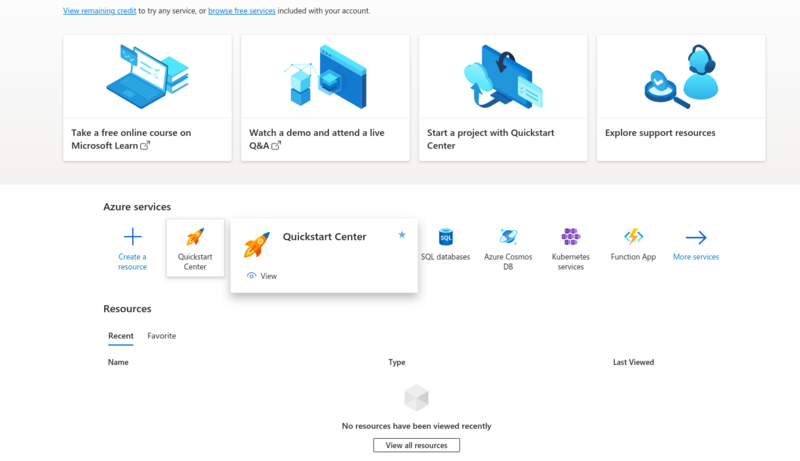
Signing up for Azure was a pretty straightforward process. Once I was in though it was a different story On the off chance that someone from Microsoft ever reads this, you should know that your website is slow, badly designed, and made me feel sorry for those who have to use this service in their day to day lives.
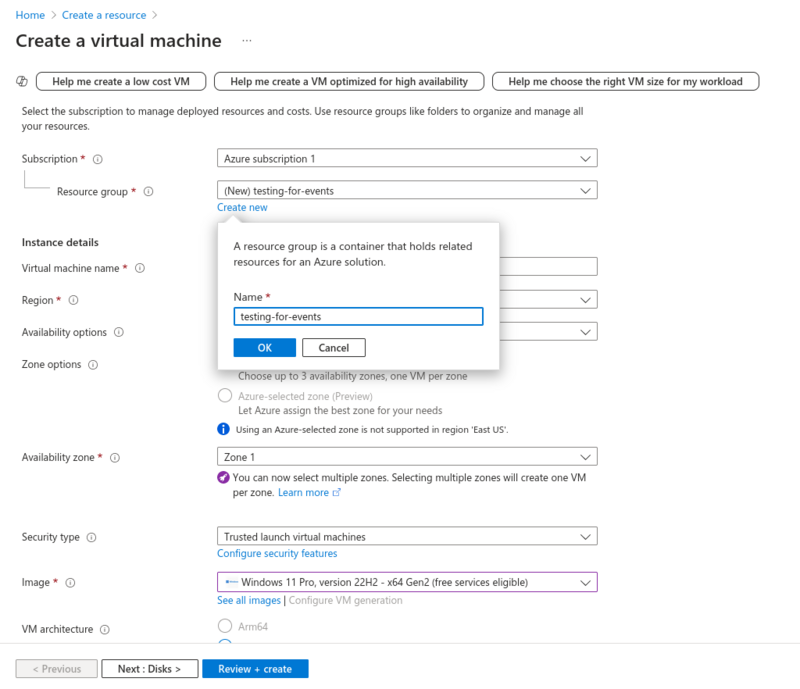 | 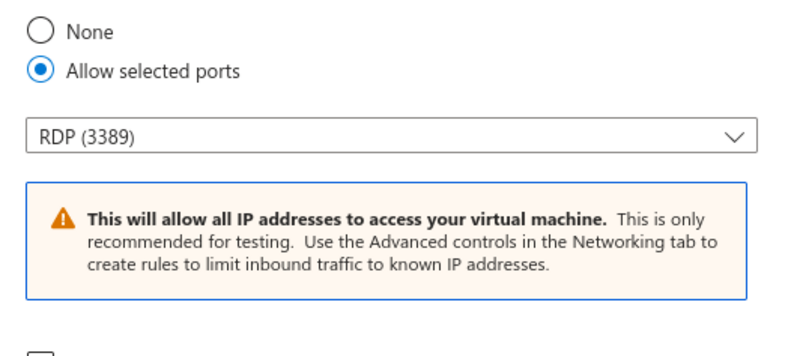 |
Setting up the VM itself was simple enough, a list of boxes to tick and options to choose. Nothing all that exciting. There was a nice warning about having port 3389 open and how it would be exposed to the big bad outside world and that they only recomended it for testing. Luckily I was testing, so this warning did not bother me at all.
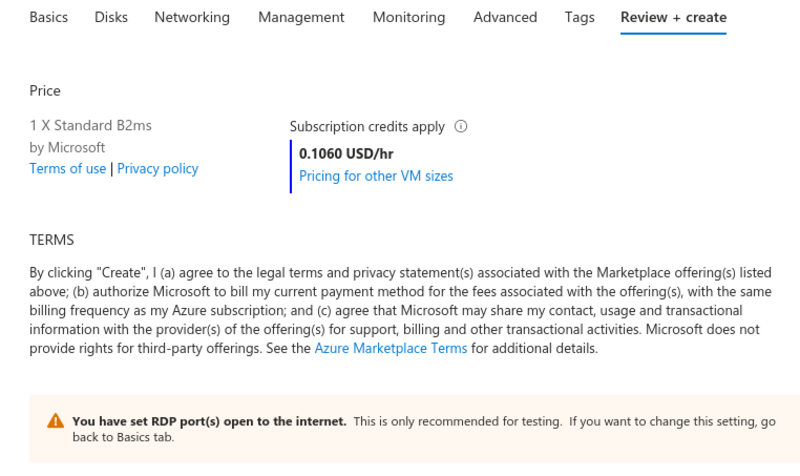
This pricing is not so bad really. 10c an hour to run a machine with 8GB of RAM seems pretty OK and when you consider I had all this signup credit and this was essentially free, it's not the worst trade deal in the history of trade deals, maybe ever. Thanks for coming to the table on this one, Microsoft.
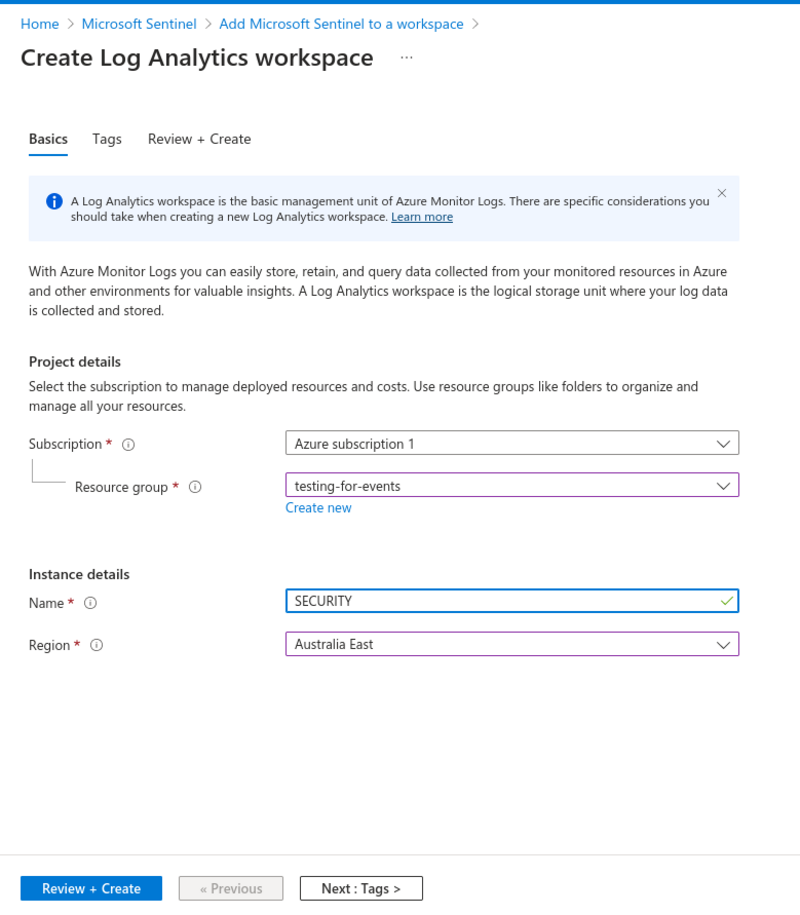 | 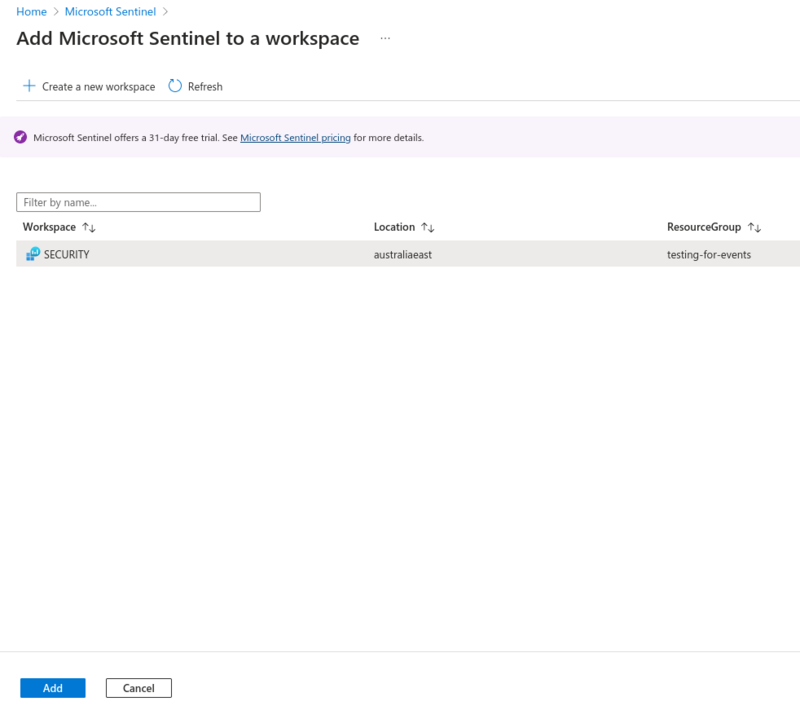 |
I needed to use Sentinel which is the SIEM platform for Azure, but first I had to create a log analytics workspace for Sentinel to run it's queries on. A space like this could be useful, for example if you had 50 VMs running and needed to have all the logs in one place for different services to ingest and provide insight on. Adding Sentinel to the workspace was pretty straightforward but a bit clunky. To be fair it was my first time and I was going in blind so it might have feel a bit better if I had experienced Azure before.
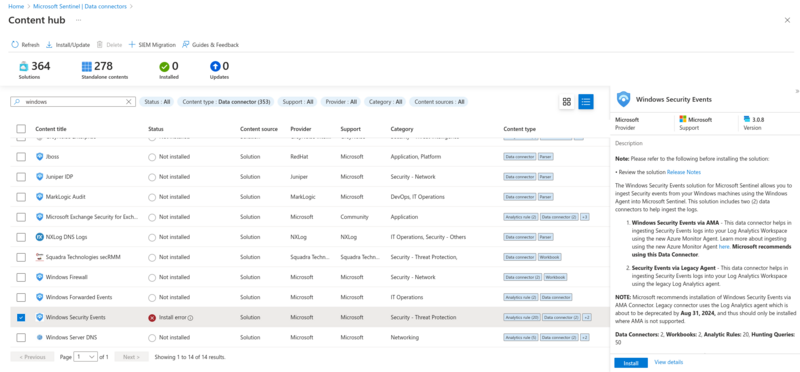 | 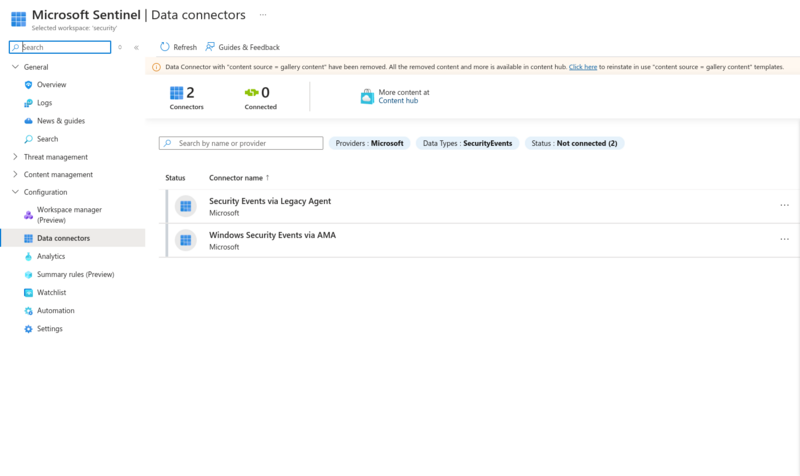 |
This is where things stopped being straightforward. I had to add something called a Data Connector and seeing as I wanted to test for failed logins which are a Windows Security Event, I had to get that specific connector. It failed to install twice but then magically worked the third time I clicked the button, cool. Anyway, Sentinel was now ready and waiting for orders.
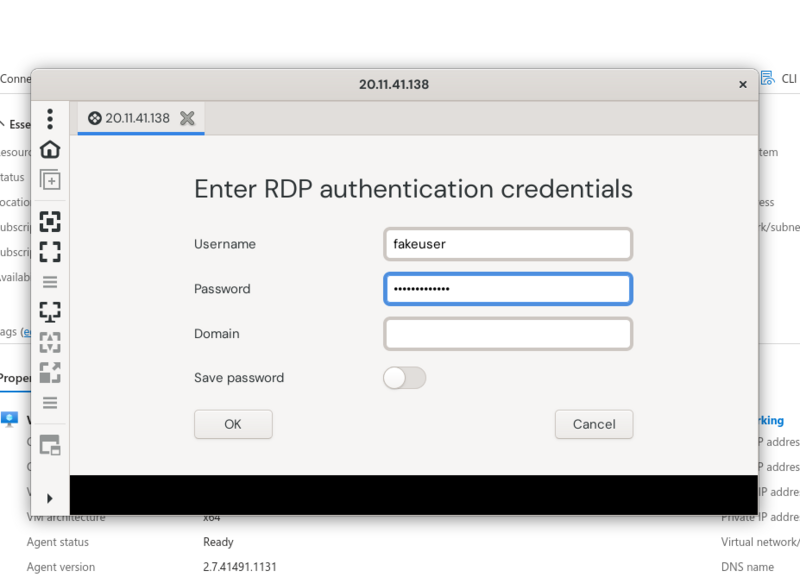
Figuring out what a failed login even looks like would be simple, I would login myself with a fake username and password via RDP This machine isn't up anymore and the IP address does not belong to me so don't go trying it.
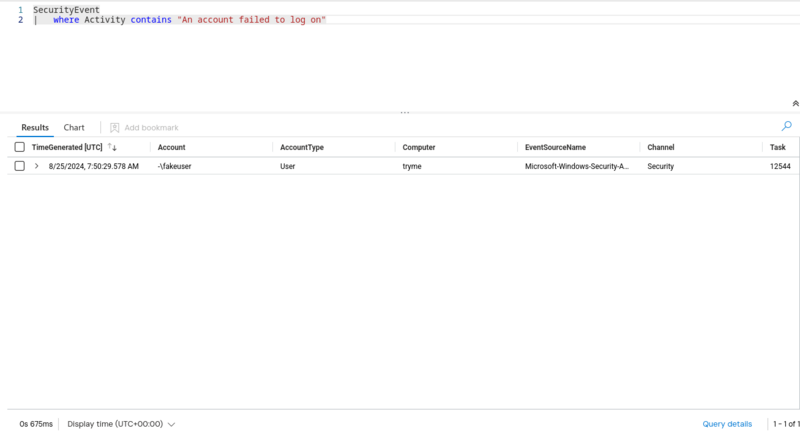 | 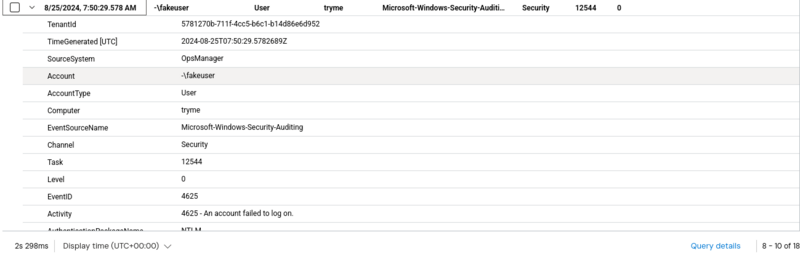 |
Microsoft Sentinel uses Kusto Query Language which I have nothing to say about. After getting a query which found my event I had a look to see what was inside and sure enough it was the correct failed login attempt.
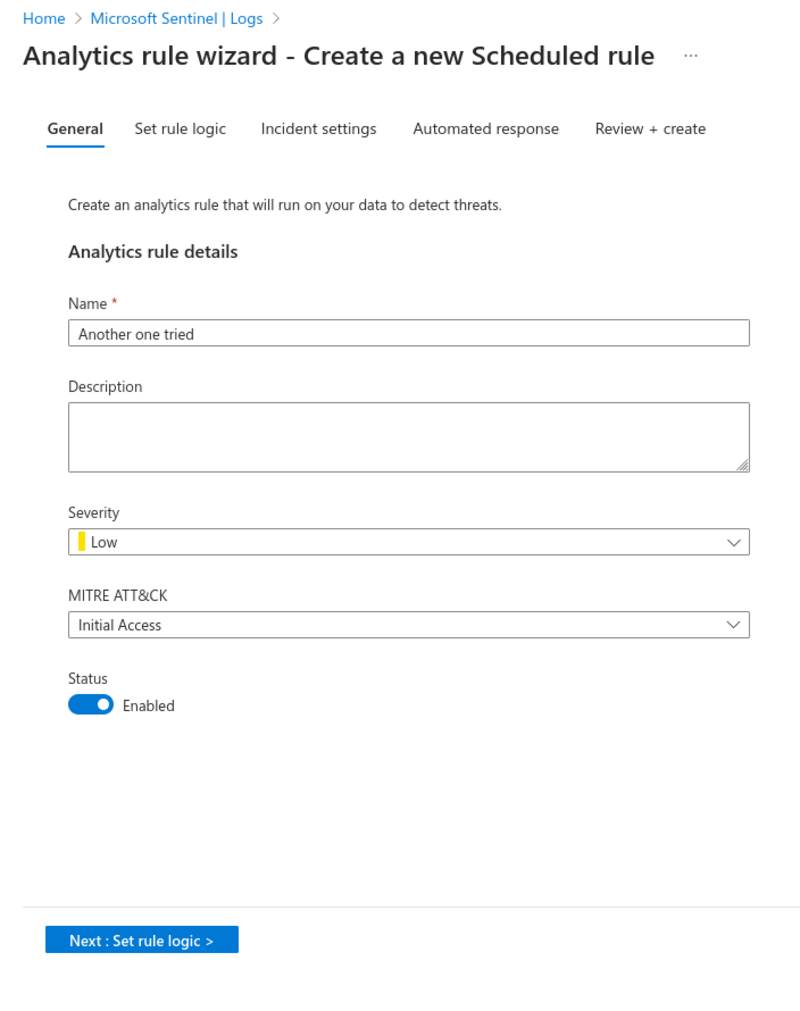 | 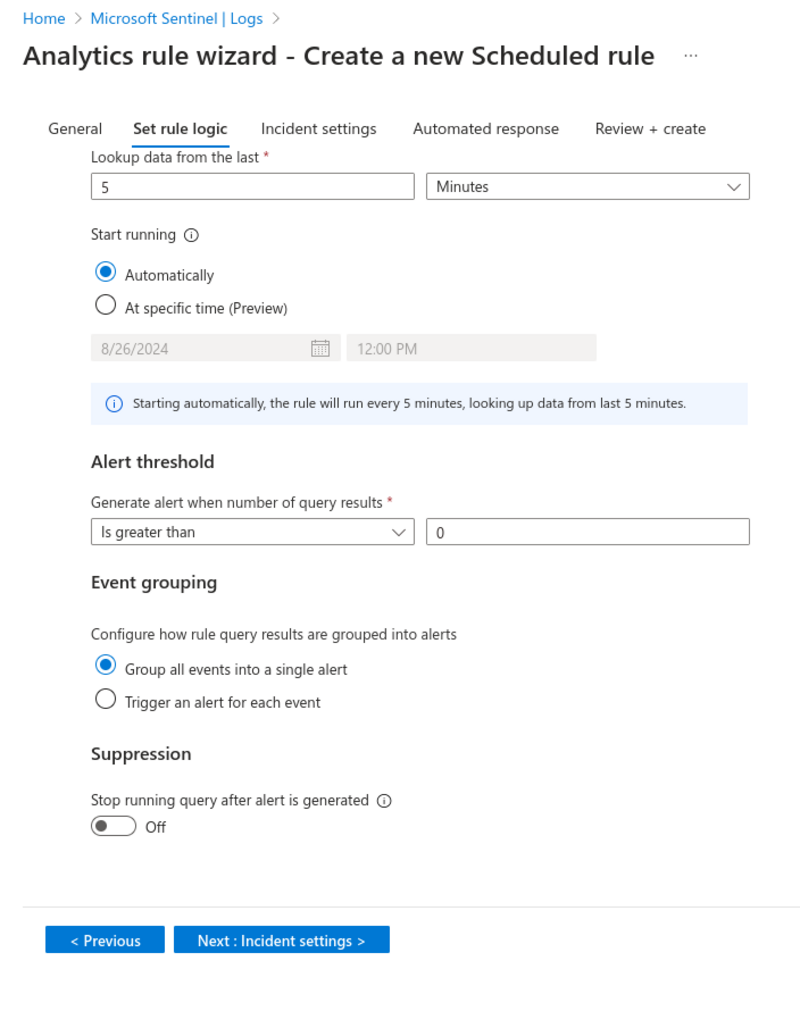 |
Now that I had to my query ready I needed to create a scheduled rule to automatically run it every so often and to tag it with a severity label. I got it to run every 5 minutes which you might think is overkill for 1 VMs logs that I will check ~1 time but in all honesty it's not my computer doing the computing so I really don't mind. This was all set up and running so now there was nothing left to do but wait and see how many failed logins I would get after around 24 hours. Why don't you make a guess as to how many attempts there were?
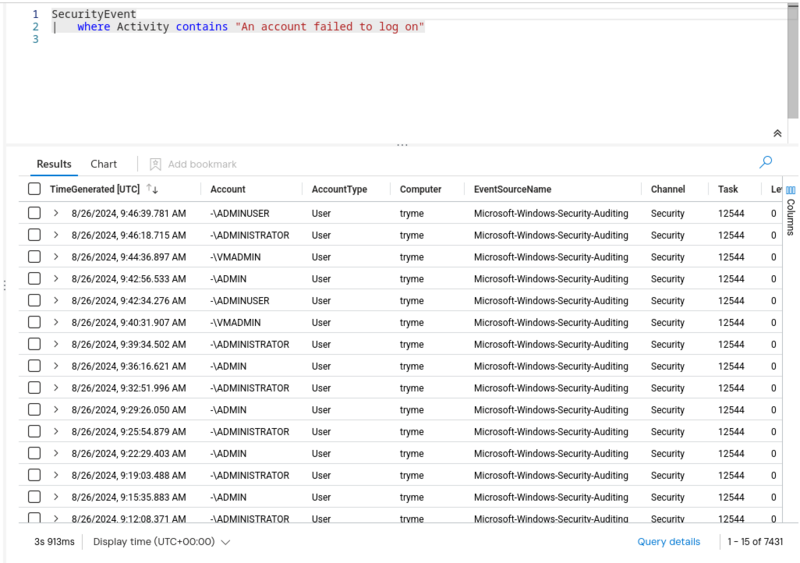 | 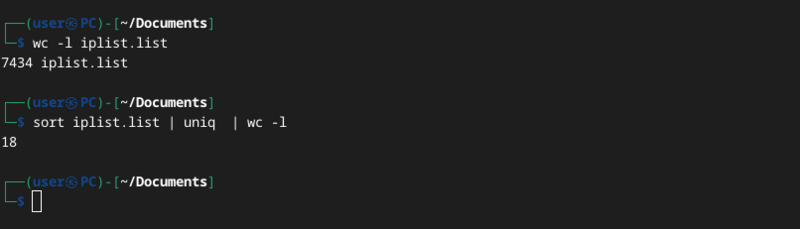 |
There were about 7400 attempts. Was your guess close? All these requests came from 18 different IP addresses including my own for the original query. It was more than I thought I would get, I was expecting around 500 or so at the max so to get more than 7000 was a surprise to me. This was a pretty fun thing to do and I got a tiny little bit of experience in Azure which is nowhere near as fast and responsive as the website you are reading this on right now. If you have any ideas on what I should do with my remaining credits please shoot me an email at [email protected] Thanks heaps for reading this one and have a great day.
You can check out a list of all the blog posts by clicking here
You can get back to the homepage by clicking here