One issue has been staring me in the face since I started this website. It's time to solve it
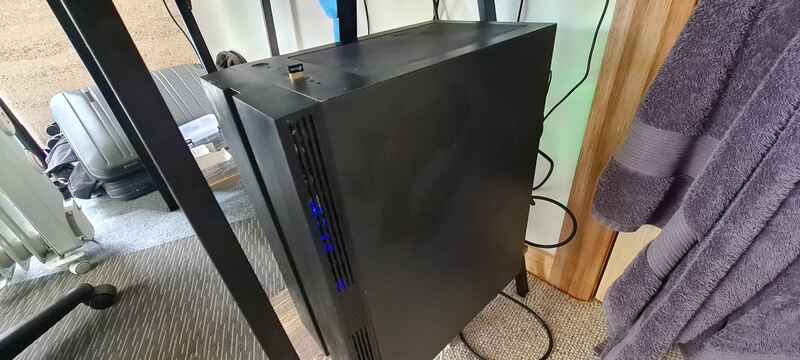
This is my desktop PC and this is what I have been using to serve this website. The issue is that it draws a lot of power and I turn it off to sleep at night. This means that when I am asleep, the website is not available. That's a huge problem for you. Don't worry though, I have a solution to your problem.
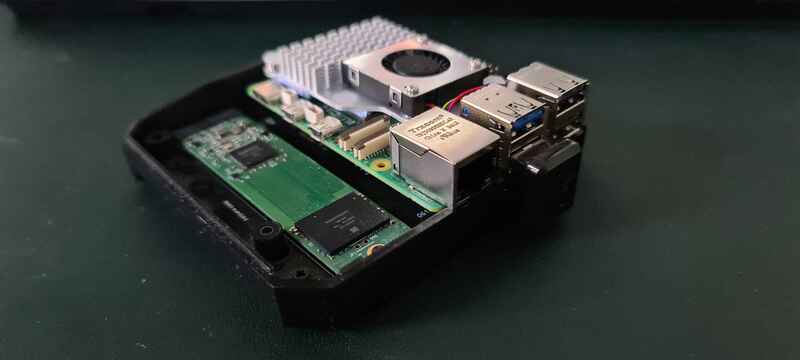
This is a Raspberry pi 5, it uses much less power than my desktop PC. There is also a 1TB m.2 SATA drive connected via USB here for some future project ideas. m.2 keys are confusing by the way. This is what I will be serving my website from.
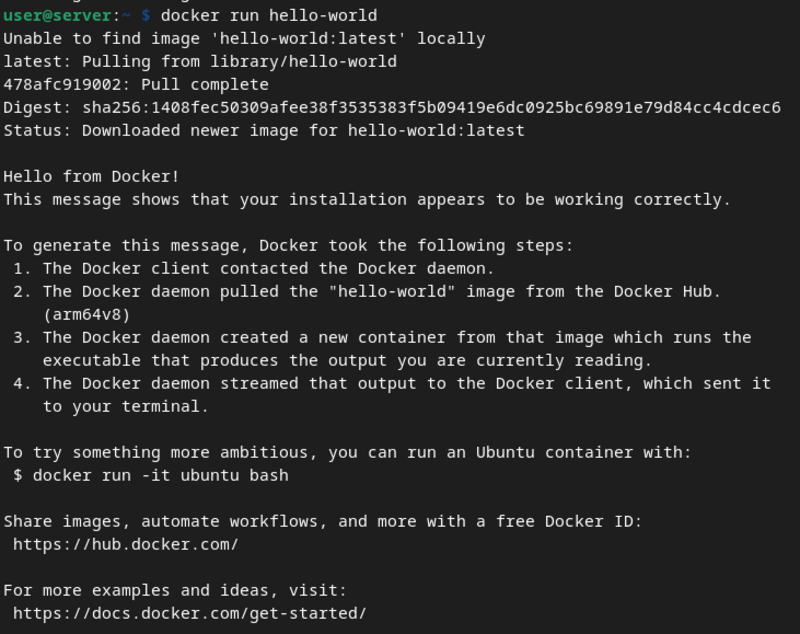
After installing the Raspberry Pi OS lite (It's pretty much Debian), I figured that I may as well set this up in a docker container I grabbed docker and made sure it was working properly with the 'docker run hello-world' command. The above output means docker is working and I can continue
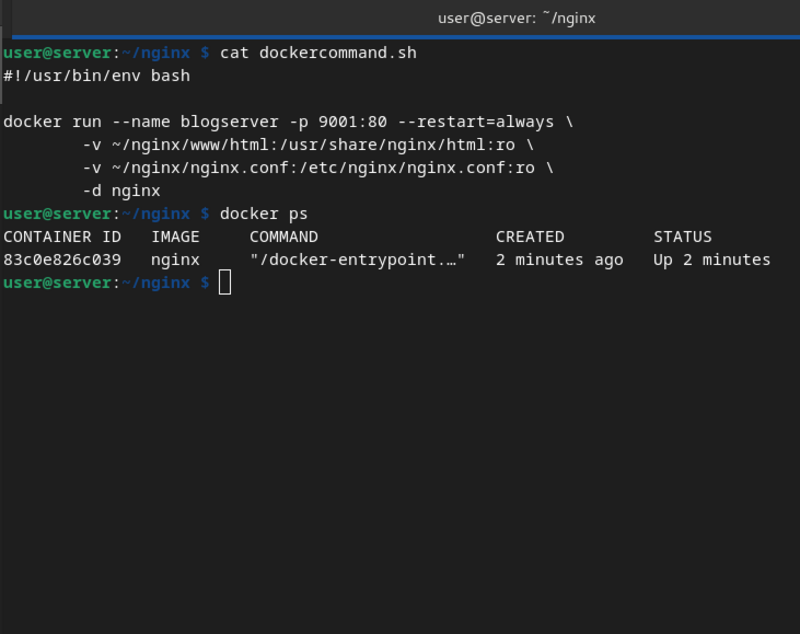
Here's the command to start the nginx server with everything I need. I've put it in a script so I can just run it again if need be. At this point I can see my site on my local network with no trouble at all, but there's still one more step before the internet has access to the site again.
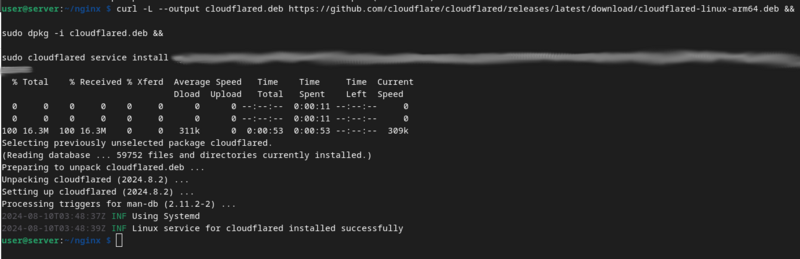
Rather than port forwarding on my router, I've decided to opt for using a cloudflare tunnel The whole process was really straight forward and cloudflare has simple to follow instructions on their site Now that this tunnel is up and running, the site is available online. Your ability to read this right now proves it
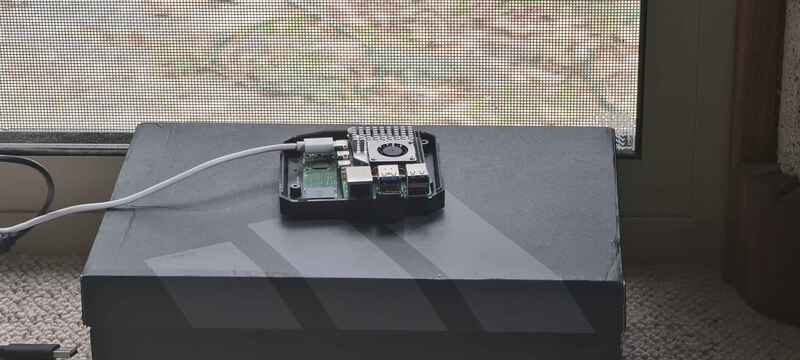
Here it is, the server in all it's glory. This is what is serving you this site currently (if Cloudflare's cache isn't). This was a fun project and I hope to do more with this Raspberry Pi soon, probably some home automation stuff with Home Assistant. Thanks for reading, hope you enjoyed.
You can check out a list of all the blog posts by clicking here
You can get back to the homepage by clicking here