I'm not much of a gamer but when I was a child we had a Sega MegaDrive that I used to enjoy playing. I played the console in the early 2000's and the game system was from the late 80's so it was quite old at the point I was playing it, which meant games could be picked up from second-hand stores for cheap. There was The Lion King, Aladdin, Sonic, Batman, and some other games that I remember playing which I will (100% legally) find and try to play. Here's how I went about making a system that would allow me to play these games again.
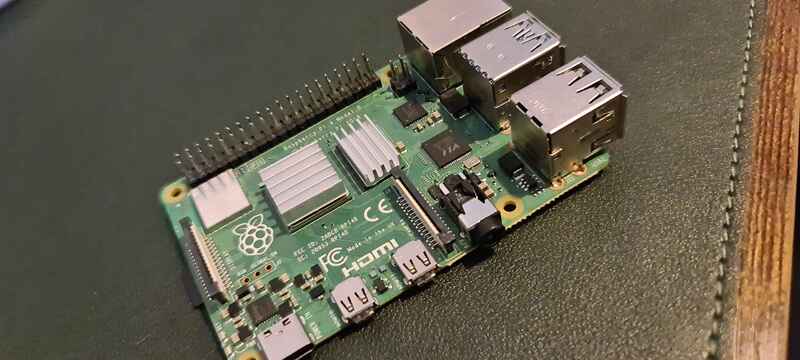
I have this Raspberry Pi 4 sitting around doing a whole lot of nothing so I thought it was about time to put it to good use. I plan to install RetroPi on it, which is a software package for emulating a lot of different games on a lot of different console emulators.
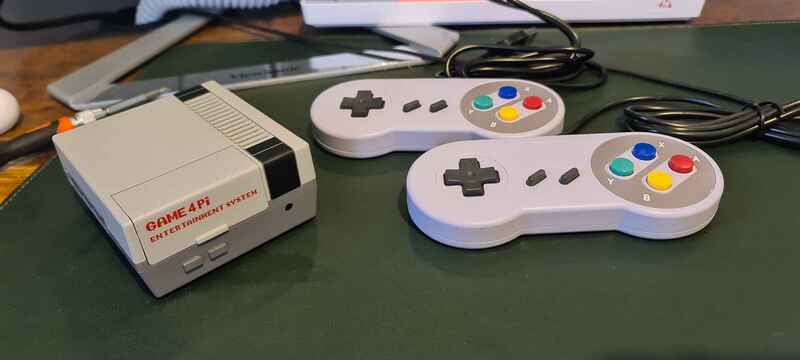
I picked up this case and these controllers for decent prices on ebay. Maybe there are some nicer ones out there but I think they look pretty nice anwyay.
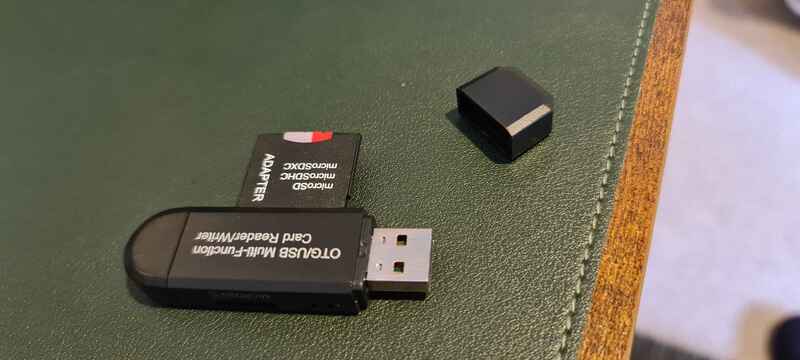
This little USB gadget lets me read from and write to micro SD cards, so I used it to write the RetroPi image onto the card that I will insert into the Raspberry Pi.
| |
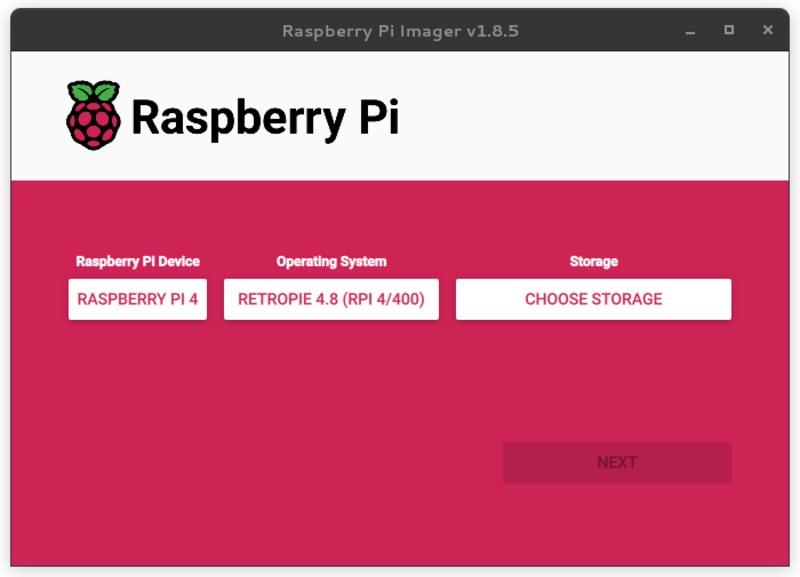
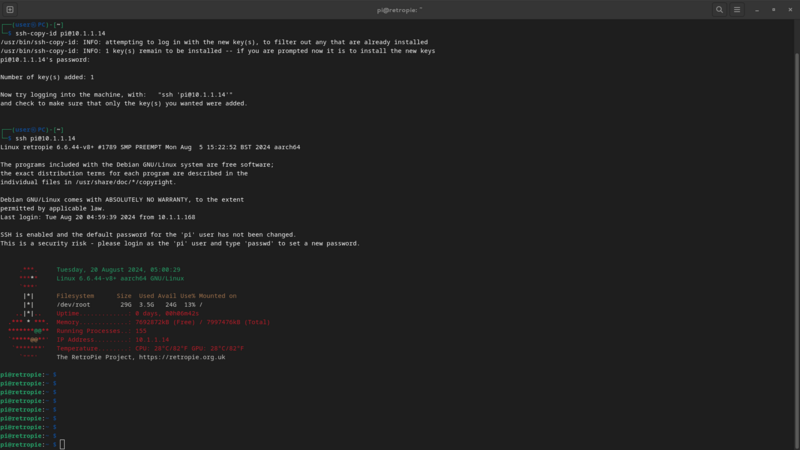
It was so straight forward to use Raspberry Pi Imager to load the OS, I didn't even need to go to the website to download the image. The Raspberry Pi Imager took care of all of that for me, I just had to click a few buttons. After I inserted the micro SD card and plugged in the Pi I copied my ssh public key and made sure everything was working so far by logging in.
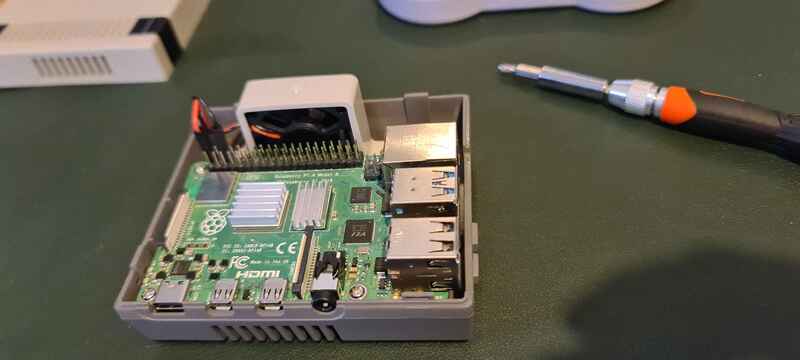
I put the pi into it's new home. The case even came with a little fan, I think it cost about $20 which I think is very fair.
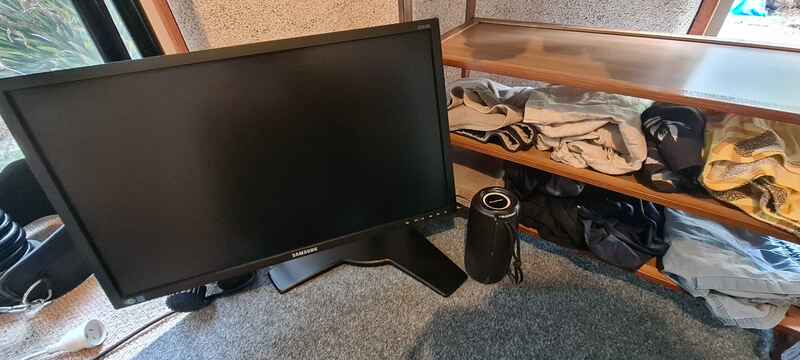
I have this old monitor lying around, and this speaker has a 3.5mm line in so I can use it for sound from the Pi. The only problem with this monitor is that it does not have an HDMI input and HDMI is what the Raspberry Pi outputs. There must be a solution, I wasn't going to let this stop me.
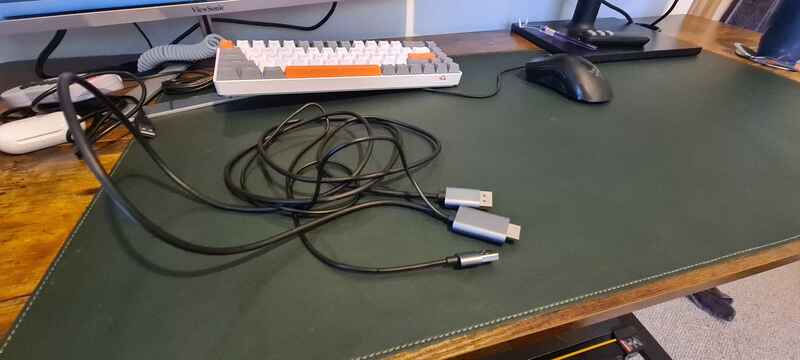
This is an adaptor for turning HDMI signals into DisplayPort signals, it needs power to do that which is what the USB plug is for. Lets try plugging this in and seeing if we can get a picture.
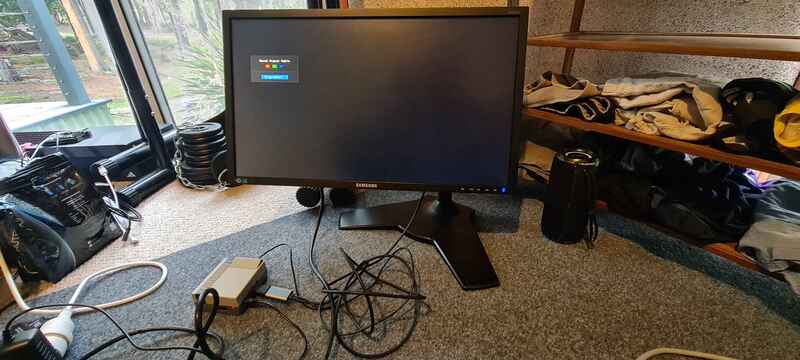 | 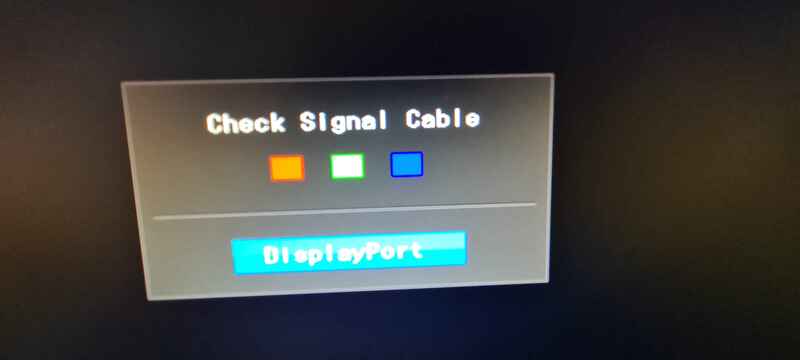 |
It didn't work, even after messing with a few config setting on the Pi. Nothing was giving me hope of it working this way. Potentially the adaptor was faulty. Some testing is needed to confirm. This was a huge setback but I wasn't going to let it get the better of me. There are plenty of ways to skin a cat after all, just as there are plenty of ways to plug in a monitor.
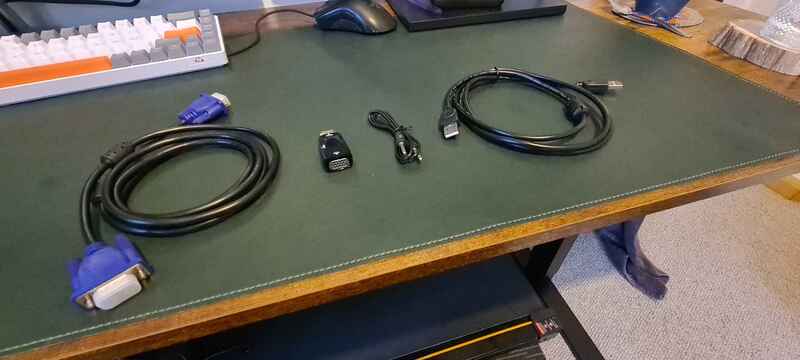
In addition to DisplayPort this monitor also has a VGA input for whatever reason. After doing some research it's become apparent that it's fairly normal for lower end monitors to have VGA inputs. That's lucky for me. These cables take the HDMI output and convert it to VGA output. VGA doesn't carry sound like HDMI does but the adaptor comes with a 3.5mm line in so I can use that to plug into the speaker.
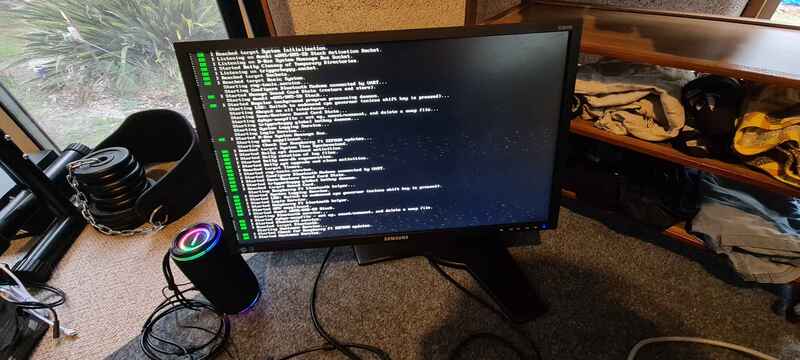 | 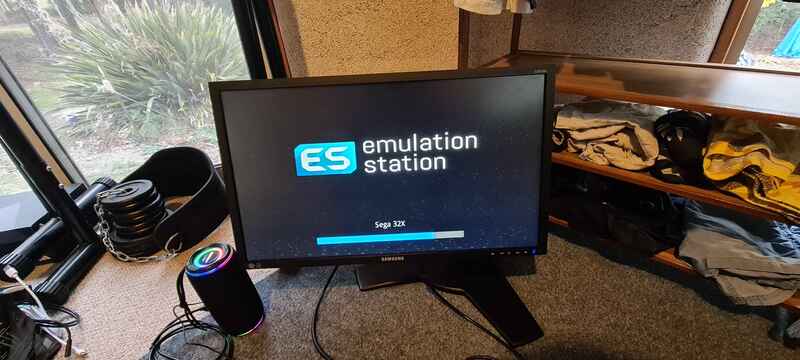 |
Success, I got a picture and the Pi began to boot. The emulation software loaded up and started working perfectly.
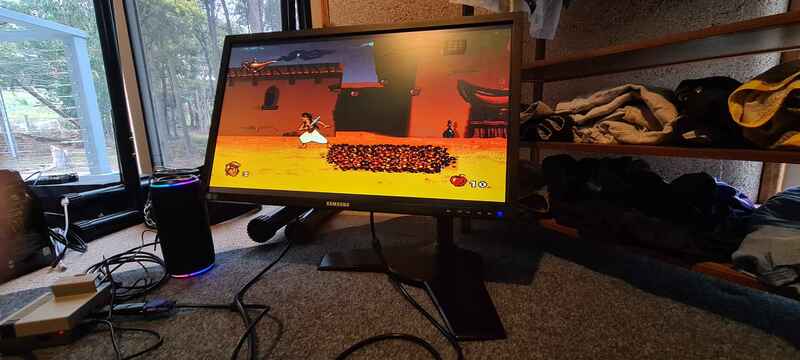
So I got to work and completely legally downloaded some of my favourite games I used to play. The really cool part of this is that it's easy enough to download the games on my desktop and then transfer them to the Pi over the network, no USB sticks required. What has really surprised me about the whole thing was the quality of the audio, all these games have great memorable music and it was really nice to hear those songs through a modern speaker. Overall, this project was a lot of fun to do and I am glad I saw it through to the end. If you have any suggestions for games I should try then don't hesitate to send me an email at [email protected] Thanks heaps for reading this.
You can check out a list of all the blog posts by clicking here
You can get back to the homepage by clicking here